 4 Player Game Hub
Colours
 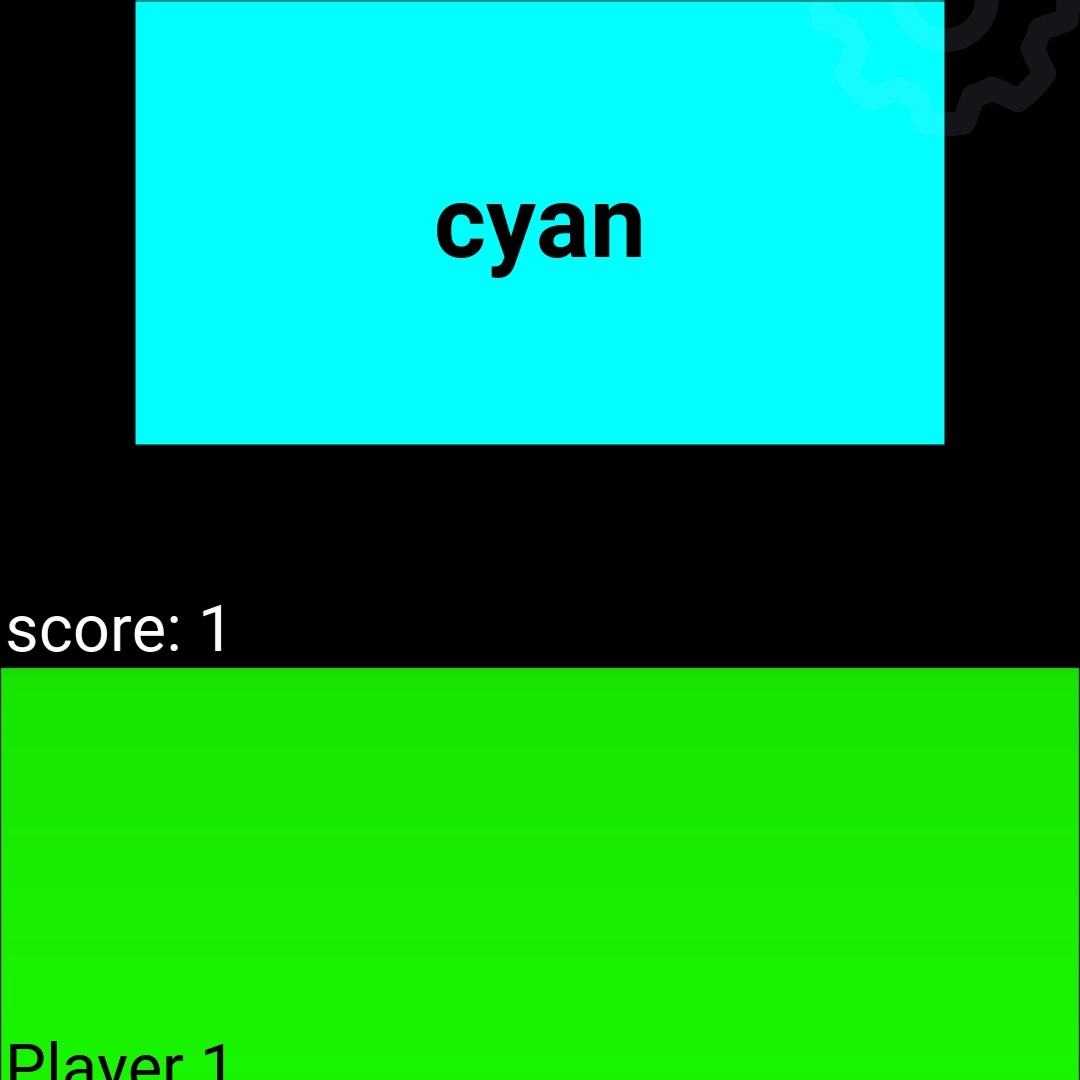 |
The goal of this game is to press the button whenever the the name of the colour matches either the background colour or the colour of the text itself. Which one to look out for will be specified before the game and visible in the description prior to the game. The fastest one to do so will be awarded a point and your button will be highlighted in green (as can be seen in the picture above). In case a button is pressed and text and colour do not match you will lose a point and your button will be highlighted in red.
In the example above the task was to press your button when the text matches the background colour. In the first picture is written ‘grey’ in green with a magenta coloured background, hence text and colour do not match. In the second ‘cyan’ matches the background colour. When a button is pressed the result will be revealed, meaning that either the colour of the text or the background goes black depending on which match you should look out for.
By default you have three seconds to recognise whether the text and colour matches. This and other parameters (see list of customisable parameters below) can be customised.
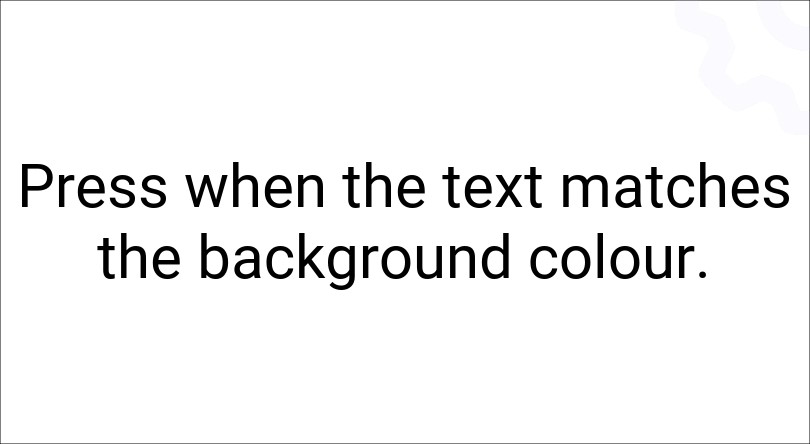
Prior to the game the description visible on the screen is the following. Pay attention as to whether it says ‘background colour’ or ‘text colour’!
list of customisable parameters:
- number_of_rounds
- max_counter
- min_counter
- default_schedule_interval
|
|
|
|