 4 Player Game Hub
Local Files
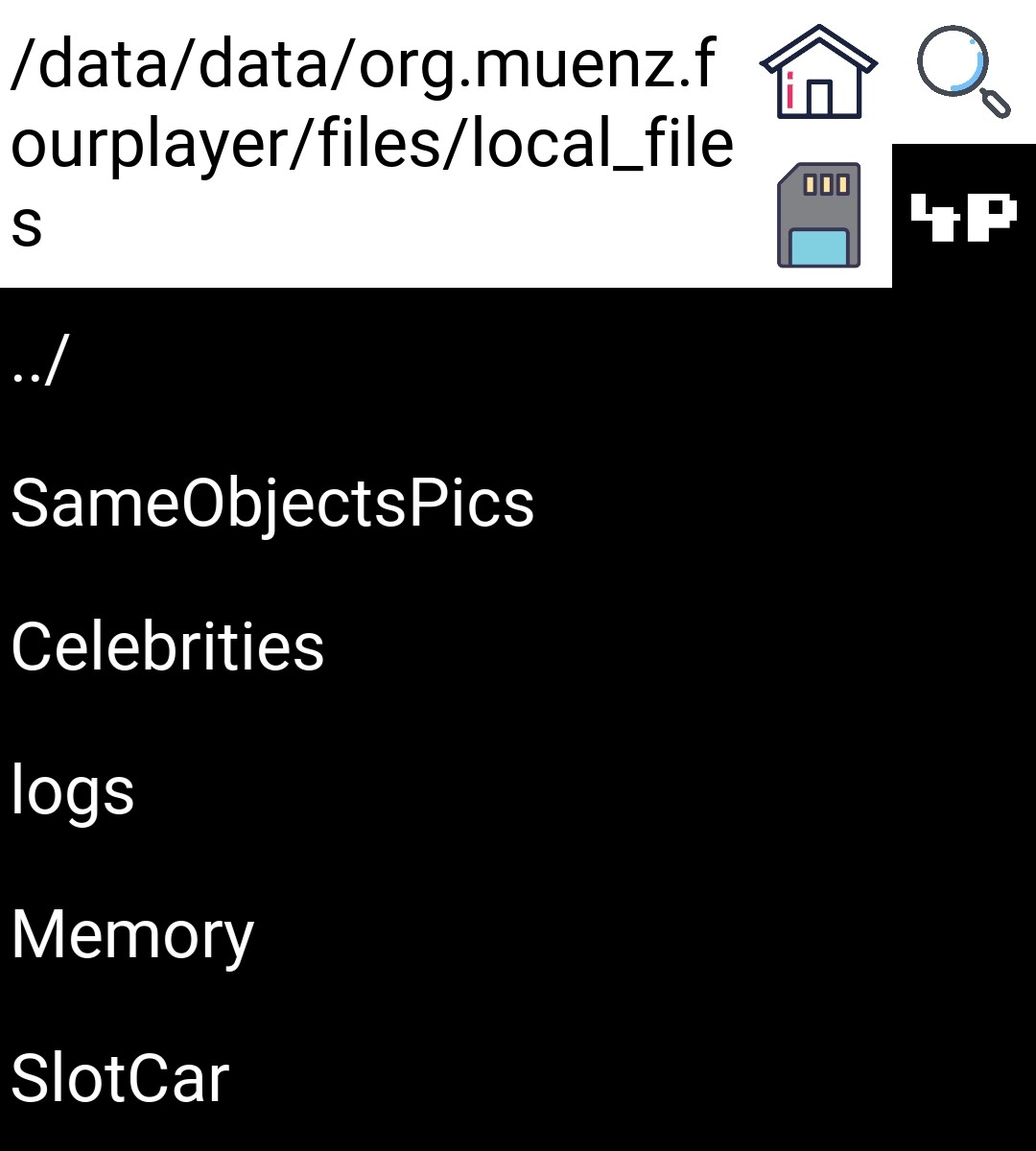 |
This is the directory where your local files are stored on your phone:
/data/data/org.muenz.fourplayer/files/local_filesYou can either navigate to this directory or type it via the search button (see basic navigation for more details). Here you can further customise your games.
1. Celebrities
You can copy files into this folder. Please make sure that the names of these files are as described in the docs for celebrities. When copied multiple files at once make sure to rename the files accordingly.
2. Memory
You cannot directly copy files into this folder. First, you need to create a subfolder (see basic navigation). Each subfolder serves as a collection of a memory set of cards. You can then copy your files into the subfolders. Each subfolder can contain a maximum of 20 cards. Notice that you HAVE to copy 20 images into one subfolder in order for it to be used for the game. You can delete files again as well as subfolders as described in basic navigation.
In order to see what the intended subfolder structure looks like you can navigate to
/data/data/org.muenz.fourplayer/files/app/Memory
/data/data/org.muenz.fourplayer/files/app/Memory/Emojis
3. SameObjectsPics
You cannot directly copy files into this folder. First, first you need to create a subfolder (see basic navigation). Each subfolder can contain a maximum of 6 cards. Notice that you HAVE to copy 6 images into one subfolder in order for it to be used for the game. You can delete files again as well as subfolders as described in basic navigation.
In order to see what the intended subfolder structure looks like you can navigate to
/data/data/org.muenz.fourplayer/files/app/SameObjectsPics
/data/data/org.muenz.fourplayer/files/app/SameObjectsPics/memes
4. Slotcar
Here you can create tracks. To do so press “MAKE NEW TRACK” (see picture below). For further information about how to create a track see the docs of slotcar. A new track will create a file both in the “Tracks” and the “TracksCarPos” subfolder. If you want to delete a track again make sure you delete both of these files. Be careful when deleting files from the “TracksCarPos” subfolder. If a custom track is chosen for the slotcar game without having a corresponding _car_pos.csv file, this will lead to an error and the game will probably crash.
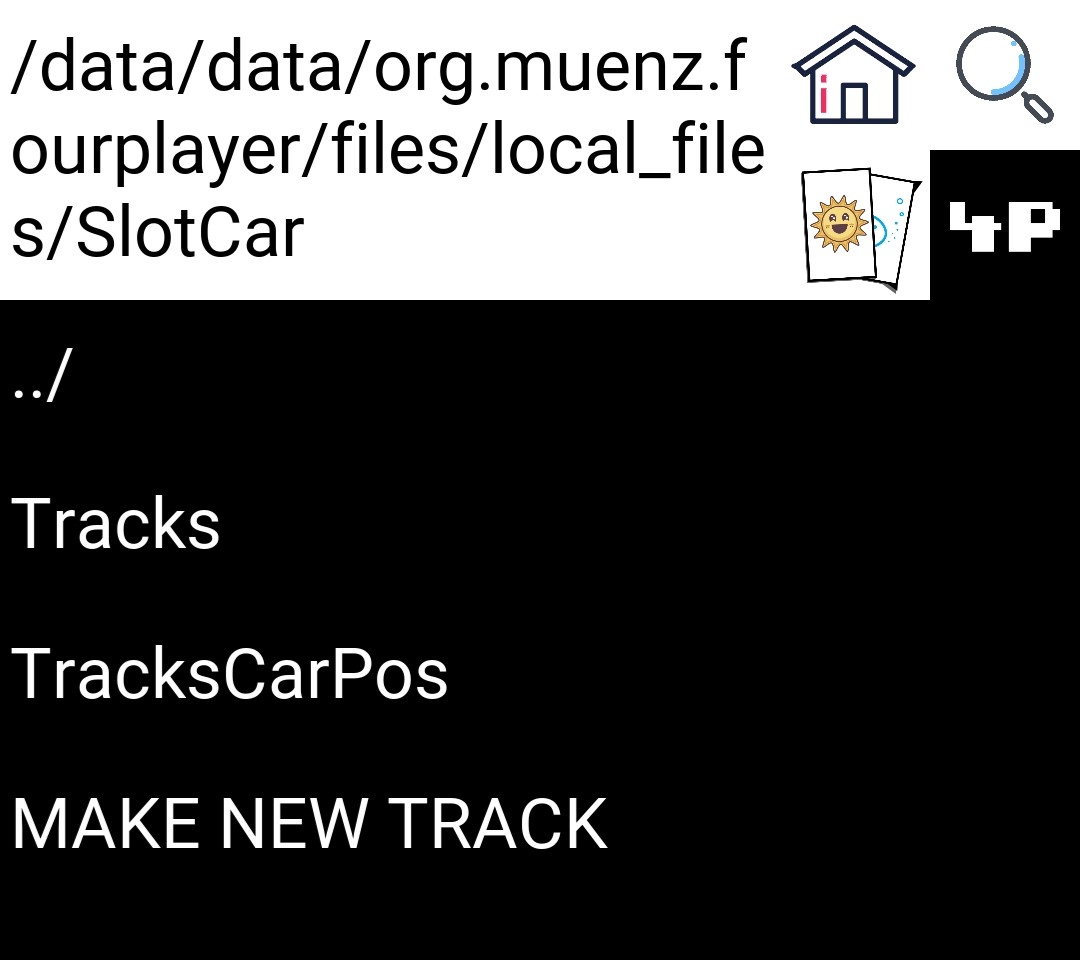 |
In order to see what the subfolder structure and corresponding files look like you can navigate to
/data/data/org.muenz.fourplayer/files/app/SlotCar
/data/data/org.muenz.fourplayer/files/app/SlotCar/Tracks
/data/data/org.muenz.fourplayer/files/app/SlotCar/TracksCarPos
5. Logs
Here the (error) logs of this app are stored. See logs for further information.
|
|
|
|